Mobile Application / Connect
Displays the list of issues/requests you have sent to the organisation.
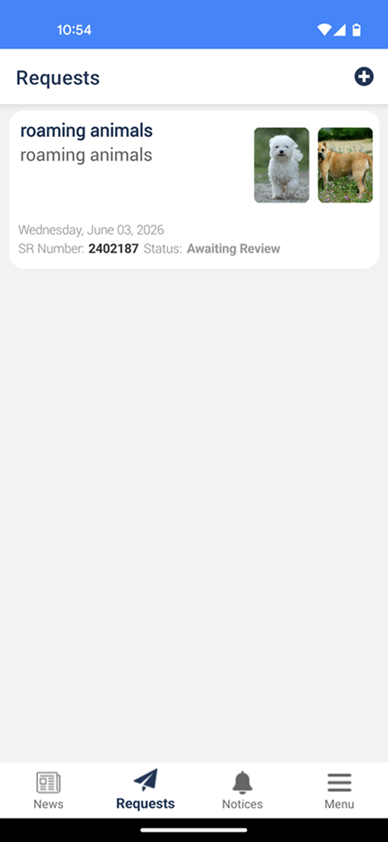
To raise/create a connect
- Tap
 in top right corner.
 -
An 'Important Information' popup might display. This is configured in the Organisation Profile.
The below screen will display:
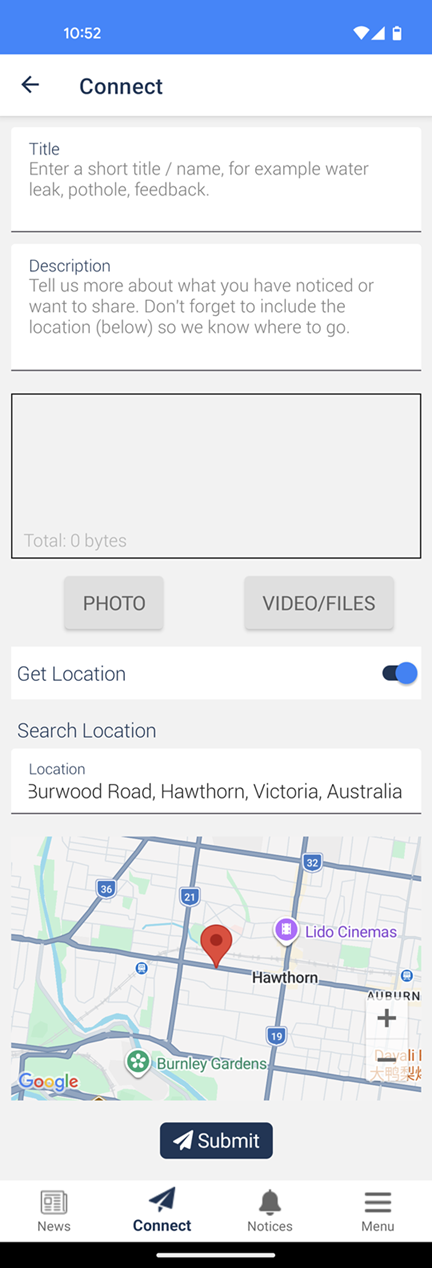
Title - Enter a brief title of the connect.
Description - Enter further detail about the connect.
Type - Choose either 'Issue/Request', 'Feedback' or 'Praise'. This will only display if no integration settings are applied.
Photo or Video/Files - Take a photo or select one from your gallery, alterntaively, select a video.
Note
The maximum video size is 20mb.
Incident Type - Select what the connect relates to. This will only display if no integration settings are applied.
Add Location - Uses your current GPS location.
Note
Ensure you have location permission set for the app to use.
-
Tap
 to send to the Organisation.