Account / Overview
Displays the details of the logged in person.
View your account details
- Click your login name
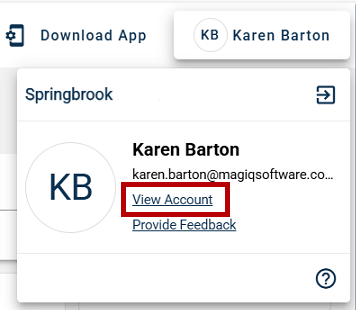
- Click View Account
Or, choose My Profile from the left side menu.
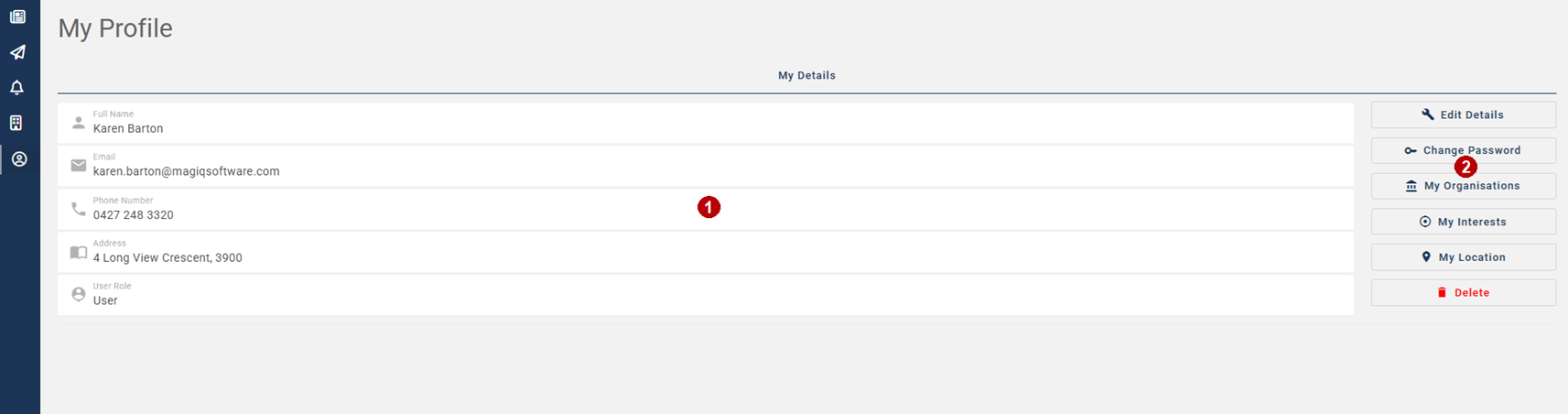
 Your account details.
Ensure your phone number is entered to receive a notification alert.
 Menu buttons.
Edit Details - Edit your details.
Change Password - Change your password.
My Interests - Select which interests that relate to your needs that you wish to know about for the selected organization.
My Location - Select which locations that relate to your needs that you wish to know about for the selected organization.
Delete - Delete your account.